





















List building
Amplemarket MCP: Run outbound from the AI tools your team already uses
Find, research, enrich, analyse and add leads to sequences directly from Claude, ChatGPT, Cursor, and more.
Available for these agents
Any assistant. Your controls.
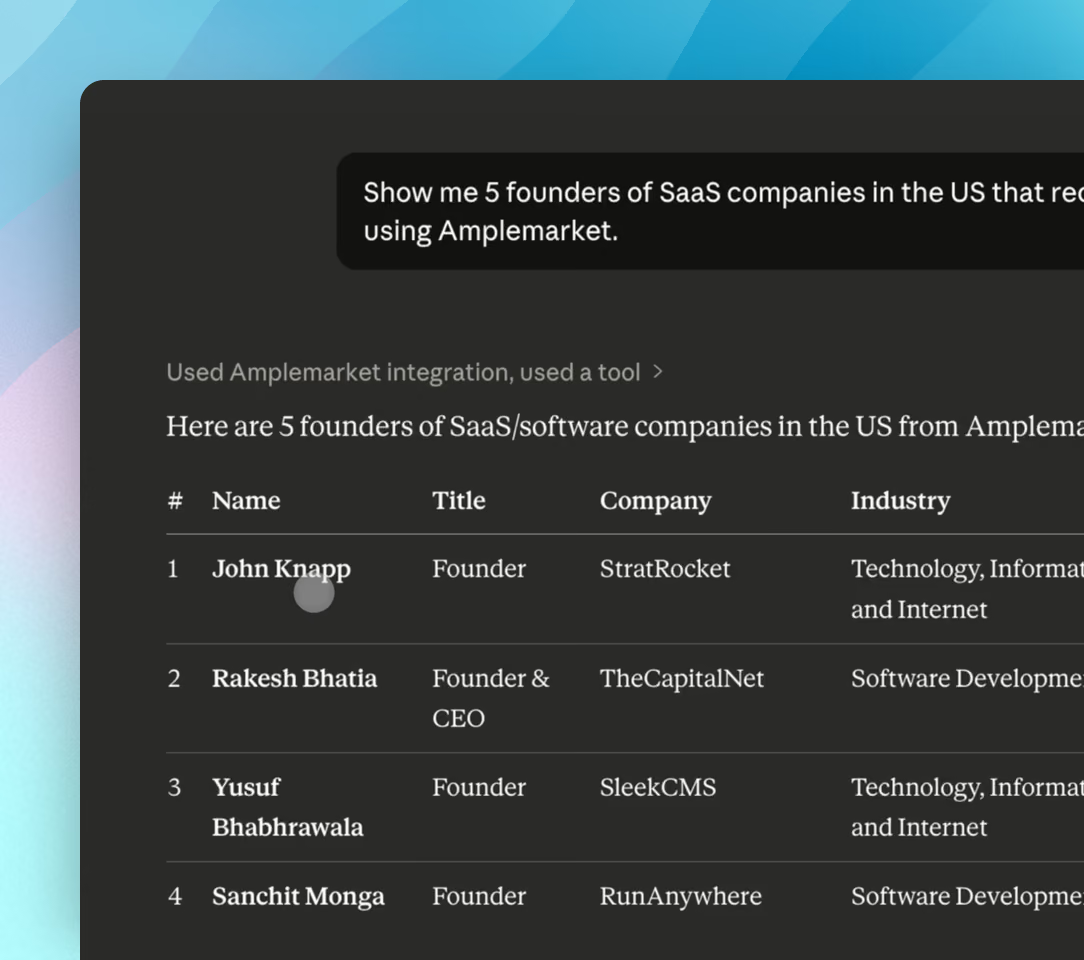
Every action under the rep’s own login

Everyone signs in with their own Amplemarket account. The assistant sees and does only what that person can. No shared keys.
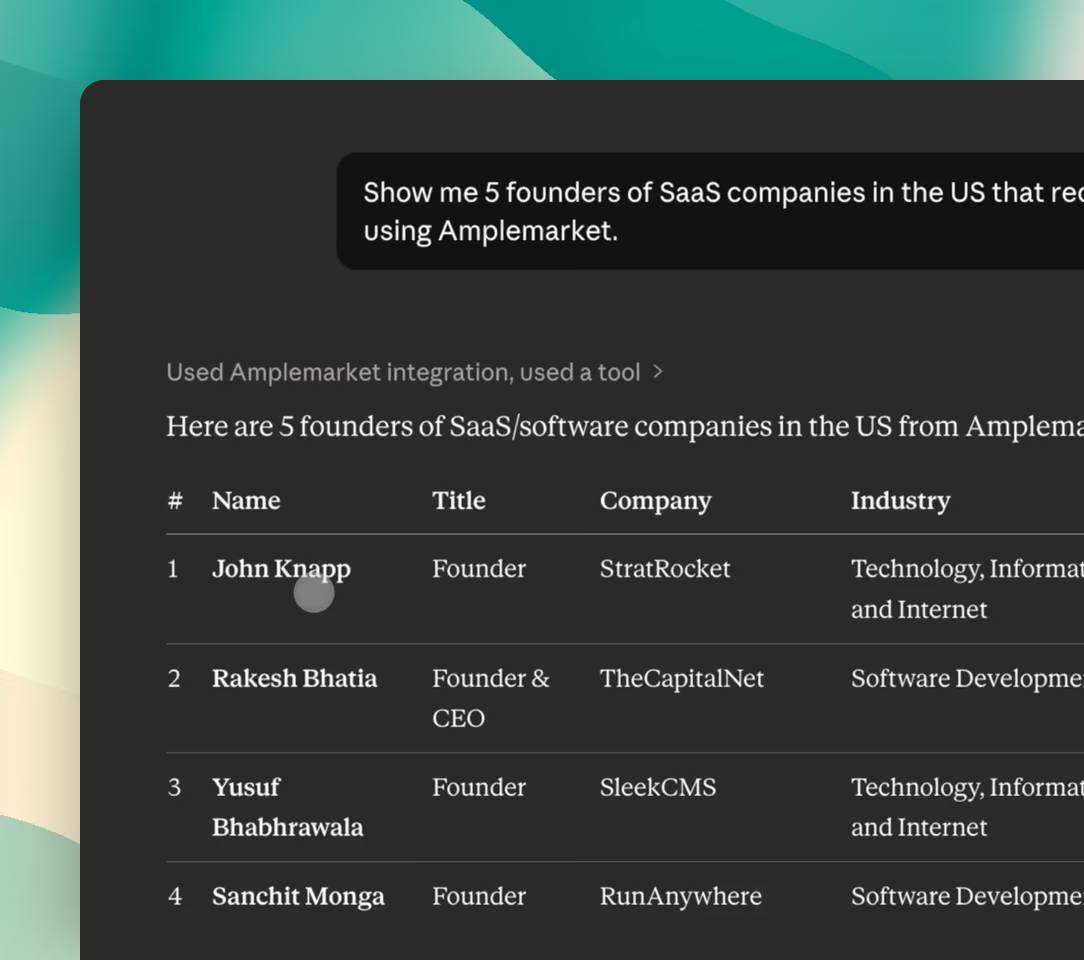
Live Amplemarket data behind every answer
Searches, contact history, sequences, inbox, and analytics come straight from your account. Nothing is exported or pasted, so answers are always current.
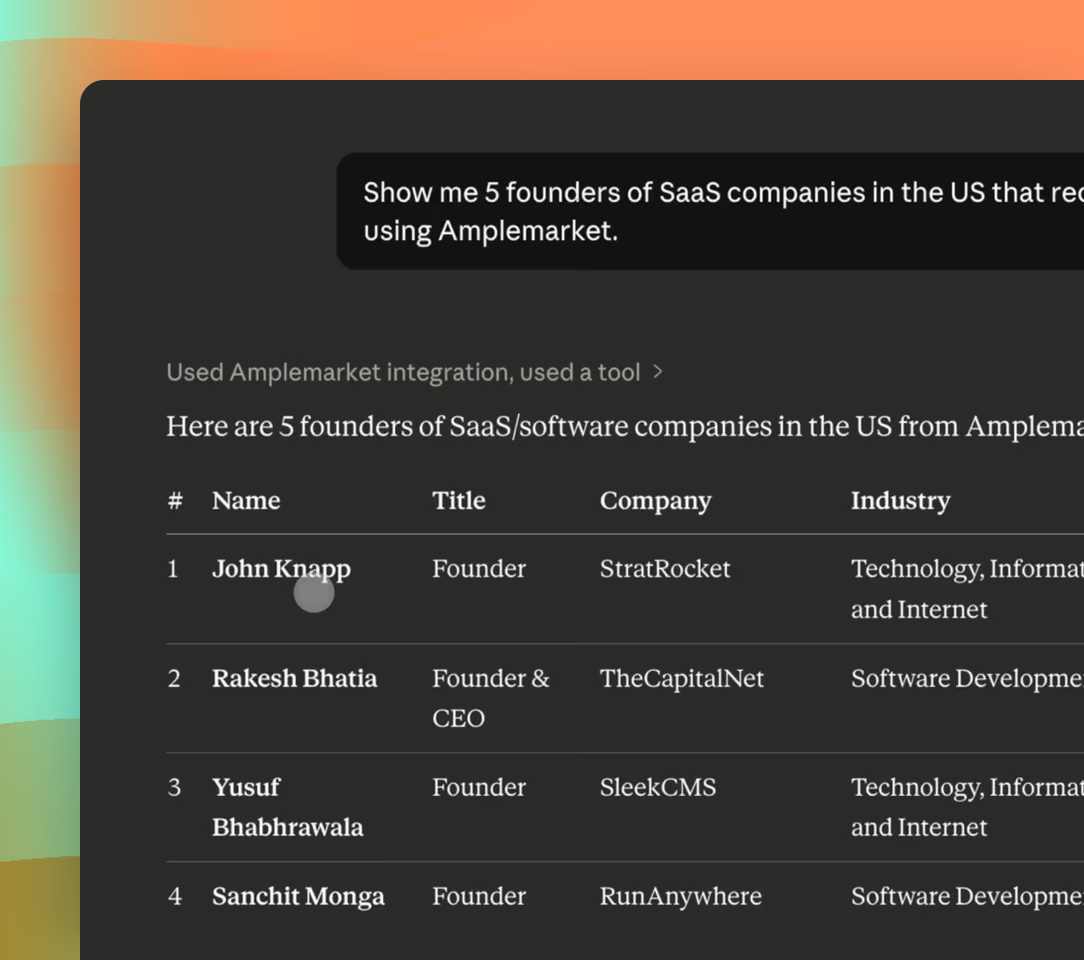
One process, however many reps
Reps reuse the personas, saved searches, and lists your team already approved. Sequences follow your Duo messaging settings, whoever is prompting.
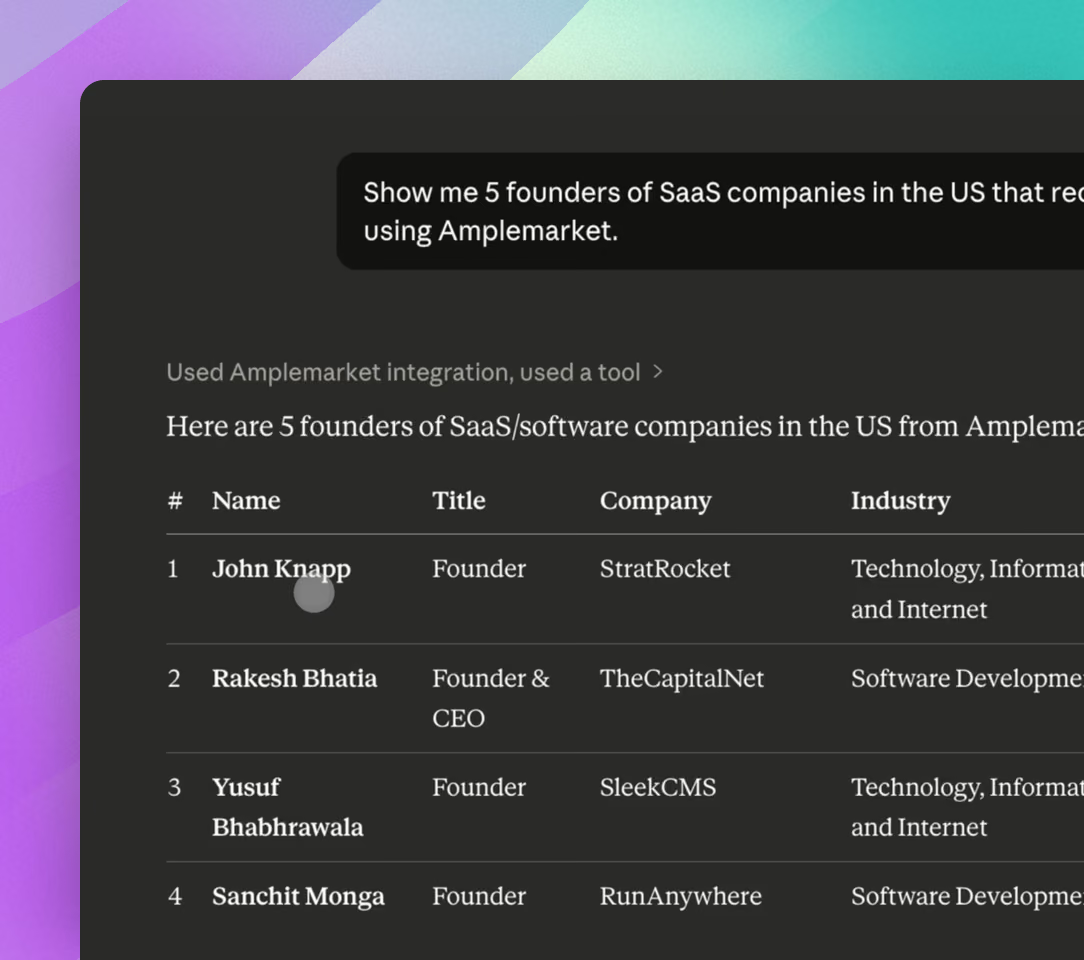
No single AI vendor to standardize on
Works the same in Claude, ChatGPT, Cursor, or any tool that supports MCP. Change your AI tool and nothing else has to change.
“Now with Claude and the MCP, I create reports for leadership. I just ask Claude to generate it, and I send it through Slack. It saves a lot of time and makes my life very easy.”


Aline LouzadaSales Operations Specialist
AI skills to sell smarter in one click
Instruct Claude and ChatGPT how to handle specific sales tasks using Amplemarket data. Browse the library and add any skill instantly.

Account Intelligence
Research accounts, map org charts and find expansion opportunities.

Prospecting & Lead Generation
Build targeted lead lists and surface new buyers.

Signal Monitoring
Track job changes, funding, hiring and other buying signals.

Outreach & Personalization
Research prospects and personalize every touch.

Pipeline Management
Review, revive and report on pipeline.

Team & Coaching
Coach reps and review team performance.

Deliverability
Keep mailboxes healthy and emails landing.

Copilot Tools
Monitor and tune Duo Copilot.

Configuration
Set up ICPs, territories and workspace settings.

Workflows
Migrate and automate sales workflows.
“Amplemarket is one of (or the best) sales tools for the AI pilled AE/BDR in existence. I’ve never worked with such an AI-native sales tool. MCP is sick, and the Skills put it over the top.”

Connor GrantAccount Executive
Frequently asked questions
1What is Amplemarket MCP?
Amplemarket MCP is a connection based on the Model Context Protocol, an open standard that lets AI assistants use external tools and data. Once you sign in, you can work with Amplemarket’s documented tools from an AI conversation, within your own Amplemarket permissions.
2Which AI clients work with it?
Claude, ChatGPT, Cursor, and Grok Bot have guided setup from Amplemarket’s Settings → Integrations page. Any other client that supports remote MCP servers, including agent platforms, can connect with the custom connector URL. The setup guide has current instructions for each.
3What can teams do with it?
The server exposes more than 50 tools across people and company search, enrichment, accounts, contacts, exclusions, lead lists, sequences, workflows, personas, tasks, inbox management, Duo recommendations, and analytics. The full tool list with example prompts lives in the setup guide and grows as the server expands.
4Do I need an API key or a specific Claude plan?
No API key. You sign in with your Amplemarket account through OAuth. In Claude, adding a custom connector currently requires a Pro, Max, Team, or Enterprise plan; Amplemarket is being published to the Claude Connectors Directory, which will make it available on all plans.
5Can it create sequences, enroll leads, and work the inbox?
Yes. Sequence creation and lead enrollment have shipped, along with tools to inspect enrolled leads and update per-lead fields. Inbox tools let you read and triage Unibox threads and filter activity by status, sequence, user, or date range. Analytics questions are answered from your account data.
6How should a larger sales team roll it out?
Start with a read-only use case such as prospect search or account research. Document required inputs, define who may enrich, change shared lists, enroll leads, draft workflows, or act on inbox items, and test the process for each user role. Enrichment through MCP uses credits at the same rate as in-app; see the setup guide for credits and rate limits.
.jpg)
.png)