Published
You just finished a sequence and a bunch of leads didn't reply.
You know the right move is to wait a few weeks and nurture them.
But you have meetings to prep, a pipeline to update, and 50 more leads to work through today.
So the nurture step gets pushed to tomorrow, then next week, then it quietly disappears.
Reps know what should happen next when an email bounces or a meeting gets booked.
The problem is doing it consistently, across every lead, every day, when the manual work keeps stacking up.
Workflows is a new automation layer inside Amplemarket's AI sales platform that helps your team automate the sales actions that usually slip through the cracks.
You define what should happen when a specific event occurs, add conditions to control who qualifies, and choose the actions that fire.
Amplemarket runs it from there, so your team can focus on selling instead of keeping track of what needs to happen next.
Aline Louzada, Growth at Clara, puts it this way:
"Workflows lets us scale high-touch outreach without losing the personal feel. For example, auto-nurturing cold C-suite leads through leadership-sent sequences has been a game-changer for replies."
What are Workflows
Sales workflow automation uses software to handle repetitive sales tasks automatically.
Instead of relying on reps to manually follow up, update the CRM, or move leads between sequences, you define rules that trigger actions when specific events happen.
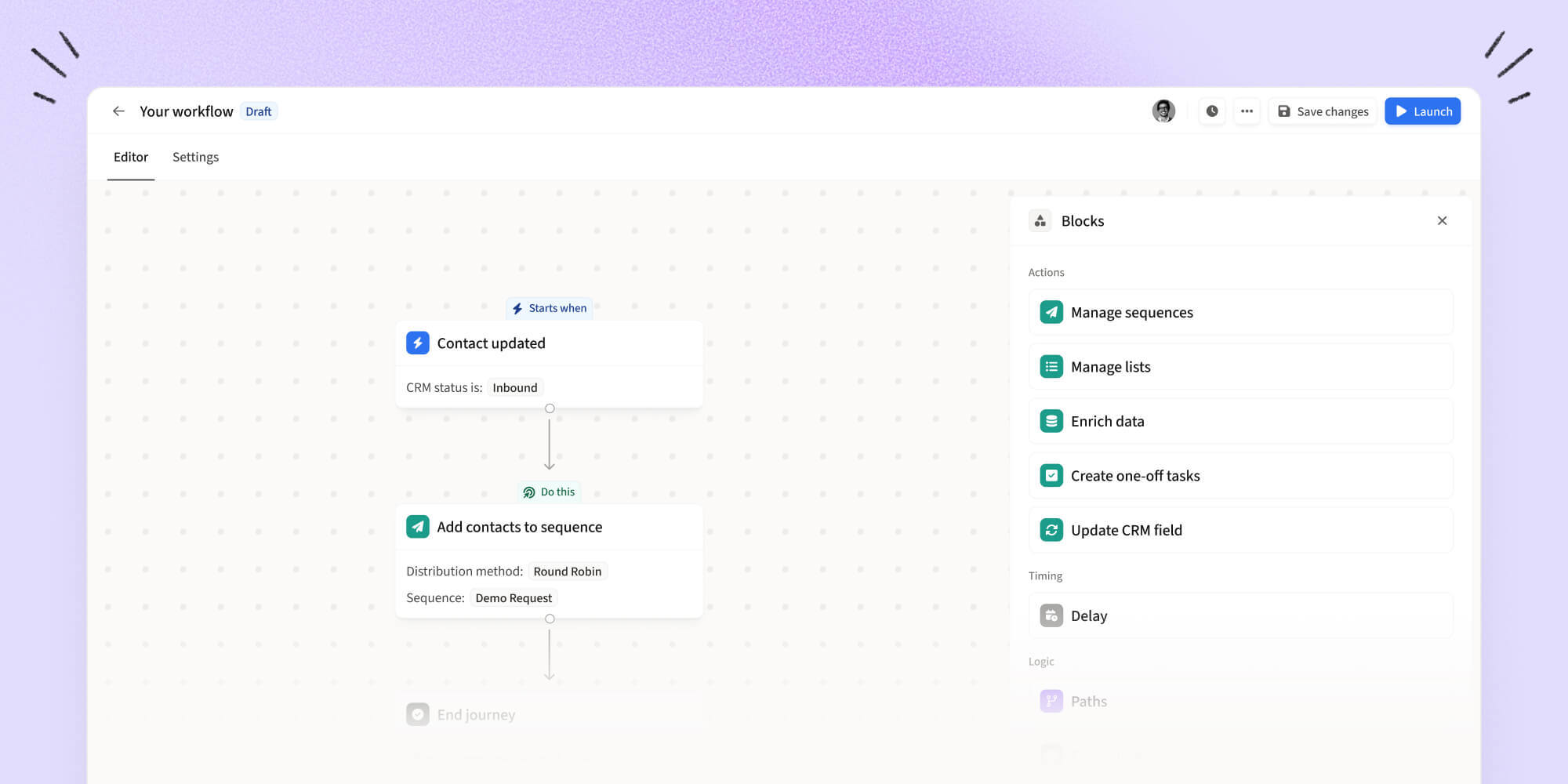
Amplemarket Workflows let you do exactly this. Build visually, and see exactly what triggers each workflow, where leads branch, and what happens
Each Workflow has four building blocks:
Triggers start the Workflow. A sequence completes with no reply, an email bounces, a meeting gets booked, or a call is logged.
When the event happens, the Workflow kicks off.
Conditions and branches control who goes where. You can filter by lead attributes, company criteria, and CRM fields available in Amplemarket.
Leads that match one set of conditions take one path. Everyone else takes another.
Actions define what happens. Add a lead to a sequence, remove them from a list, create a task, update a CRM field.
You can chain multiple actions together and add delays between steps to control timing.
Settings control how the Workflow behaves. Run once per lead, run every time the trigger fires, or pause and resume whenever you need to.
Adam Guerra, Founding BDR at Ecotone Renewables, has seen the impact firsthand:
"Workflows has been really useful for automating how we handle replies and managing follow-ups after meetings. It's saving us a lot of time on the stuff we used to do manually after every reply."
What you can automate today
Workflows support triggers and actions built around the sales events that come up most often.
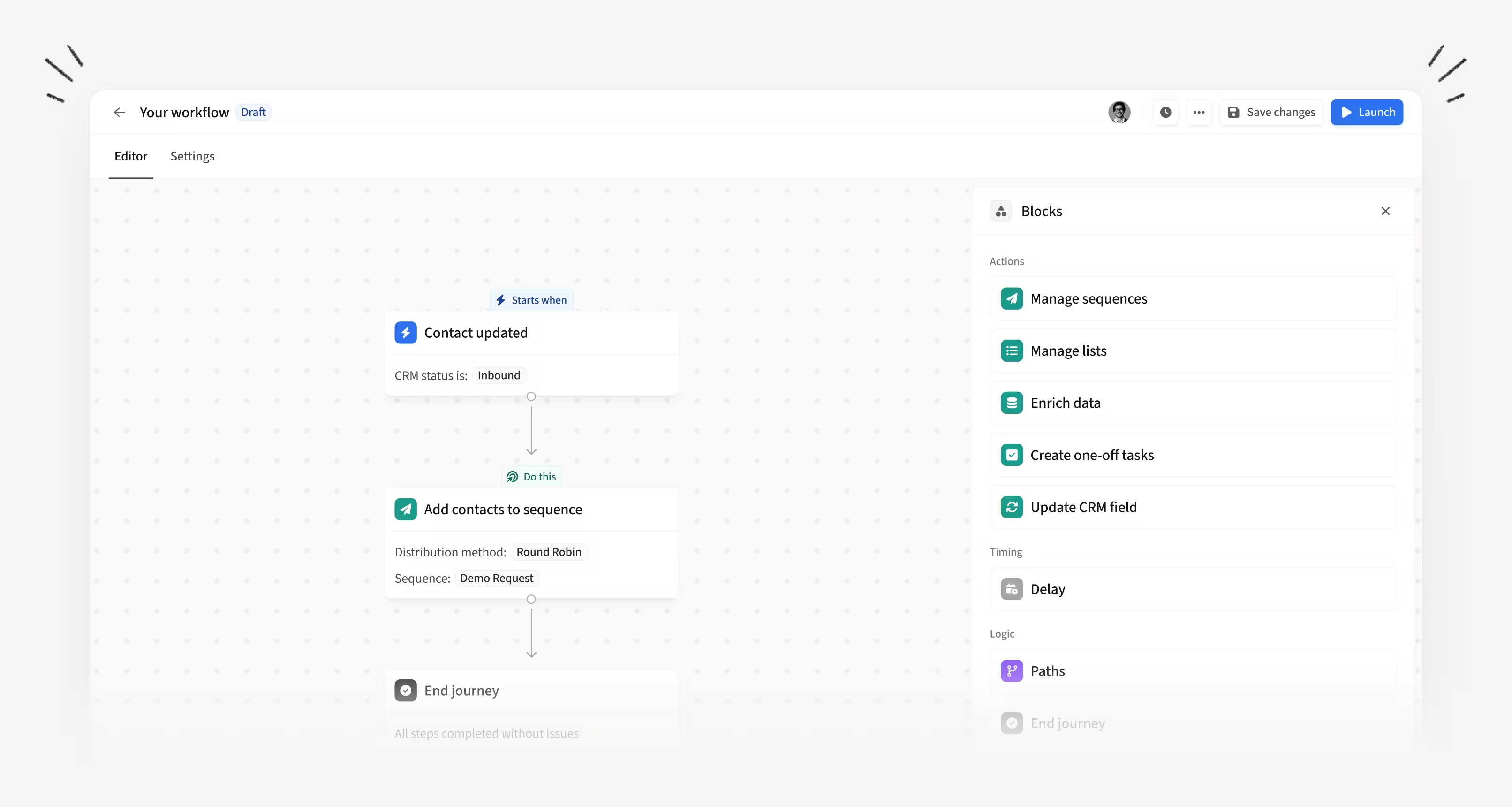
Triggers: Contact created, contact updated, sequence completed with no reply, sequence started, email replied, email bounced, Social connection accepted and replies, meeting booked, and call logged.
Actions: Manage sequences, manage lists, enrich data, create one-off tasks, update CRM fields, and add contacts to exclusion lists.
Here are a few examples of how triggers and actions work together:
You can combine any trigger with conditions and multiple actions to match how your team actually runs their process.
CRM-based triggers and actions are available for Salesforce and HubSpot today.
Malik Williams, Sales Development Representative at Princeton TMX, sums it up: "Amplemarket makes outbound much easier, faster, and more consistent, allowing me to limit my manual tasks."
Never start from a blank canvas
Knowing you can automate is one thing. Knowing what to automate is another.
That is why we built Workflow Recipes.
These are pre-built templates for common sales automation use cases.
Each recipe comes with a clear use case, suggested triggers, and ready-to-use configurations.
Pick one, customize it, and launch.
A few examples:
Nurture leads who don't reply: When a lead finishes a sequence without replying, wait a few weeks, then enroll them into a lighter nurturing sequence to keep them warm.
Route inbound leads by company size: When a lead source becomes inbound, automatically route them into different sequences based on employee headcount and update the CRM lifecycle stage so outreach and CRM stay aligned.
Stop outreach in engaged accounts: When any contact in an account books a meeting, remove the other contacts from active sequences and update the CRM so outreach stays coordinated.
Getting started
Workflows is available to all Amplemarket customers. Head into the app, open Workflows, and start building from scratch or pick a recipe to get going in seconds.
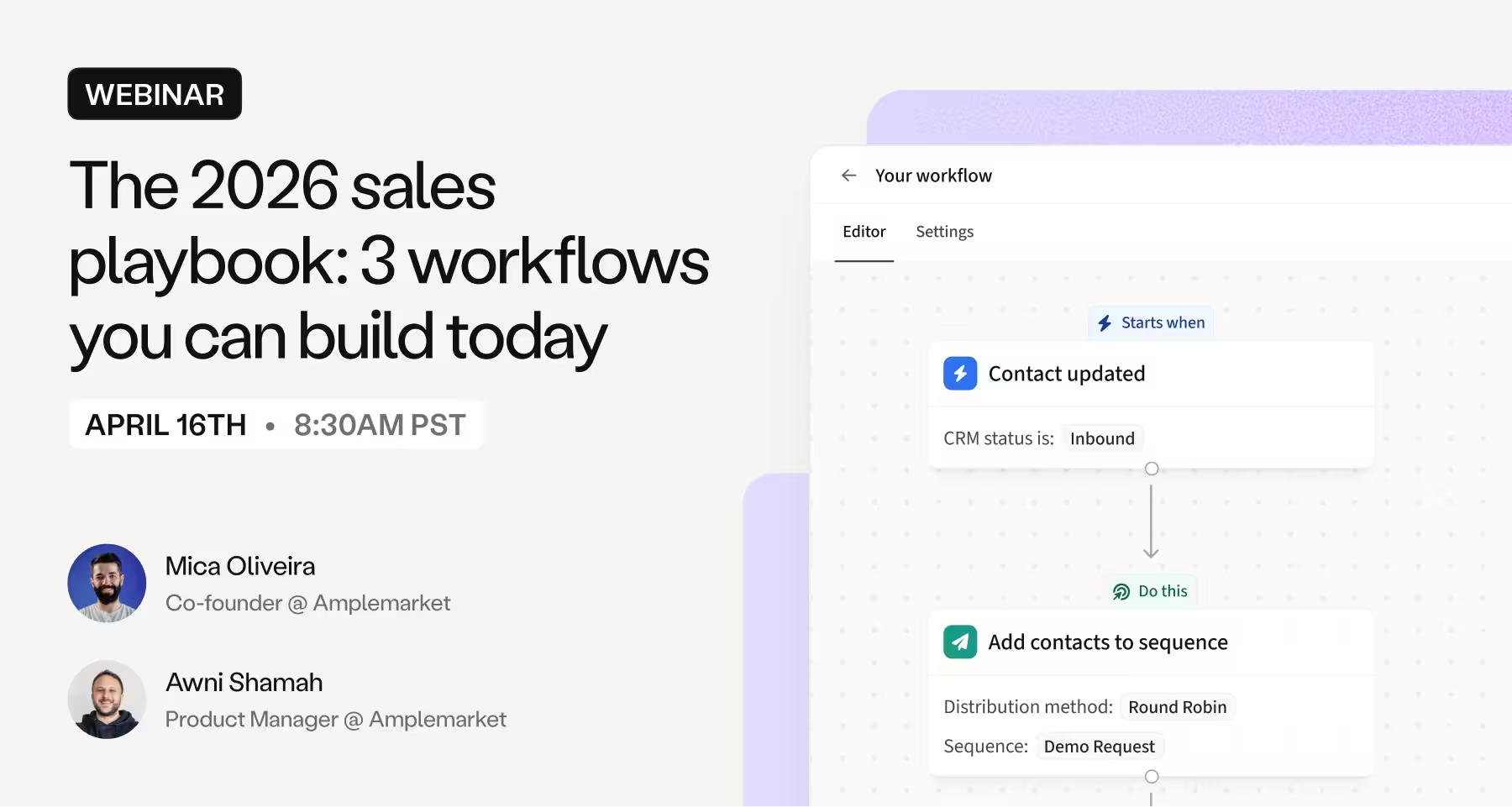
Learn how to set up these workflows step by step in our live webinar.
Start a free trial or request a demo if you are new to Amplemarket.