Published
You already use Claude or ChatGPT daily for outbound, researching companies before calls, drafting cold emails, and brainstorming angles for tough accounts.
But every time you need real sales data, you leave the conversation.
You open Amplemarket in another tab, search for what you need, copy it back, and continue where you left off.
The AI helps, but it does not have access to your pipeline.
That changes today.
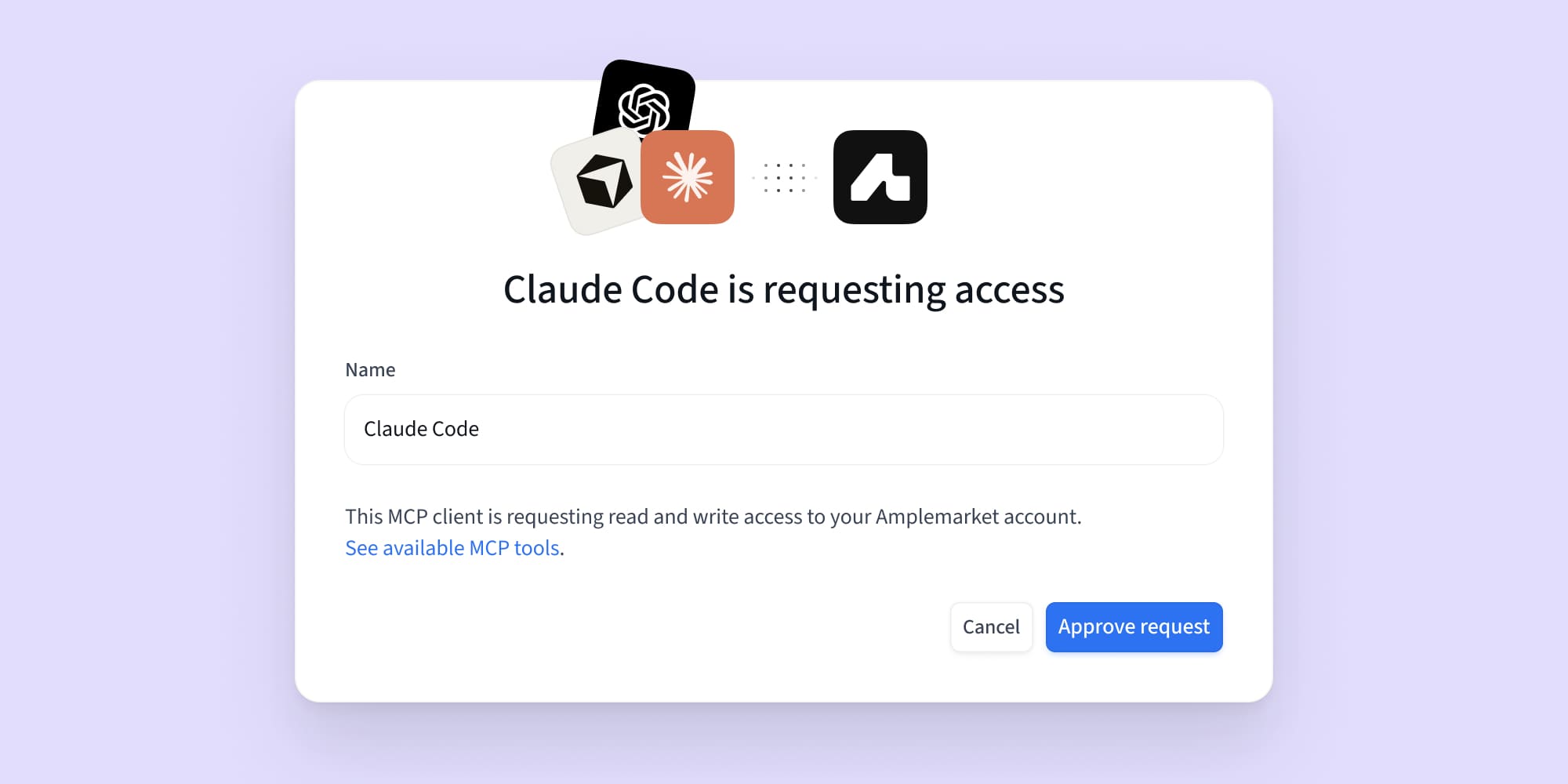
Amplemarket now works directly inside Claude and ChatGPT through MCP (Model Context Protocol), an open standard that lets AI assistants connect to external tools securely, and inside Grok Bot as a connector. Because MCP is an open standard, any MCP-compatible client can connect.
MCP (Model Context Protocol) is an open standard that allows AI assistants like Claude and ChatGPT to connect securely to external tools and access real data in real time.
For sales teams, it means your AI assistant can search for prospects, enrich contacts, pull up past activity, build lead lists, create sequences and enroll leads, query analytics, and work your inbox, all using your real Amplemarket data.
No tab switching. No copy-pasting.
Instead of switching between tabs, you just ask.
What you can do today
Find qualified prospects
Describe your target in plain English. Amplemarket returns qualified prospects inside the conversation.
For example:
- “Find VPs of Engineering at fintech companies in NYC with 200 to 500 employees.”
- “Show me marketing directors in Europe at SaaS companies that recently raised Series B.”
- “Find the founders of the top five companies launched on Product Hunt this week, create a list called Founder Outreach, and add a note on what each company launched.”
Prepare for meetings
Access everything you need on someone directly in one prompt.
For example:
- "Tell me about jane@acme.com before my meeting tomorrow."
- "Find the email and phone number for Sarah Chen, VP of Sales at Lattice."
- "Find the sales leaders at the main sponsors of Human X 2026."
Research accounts
Get a full picture of any company directly in the conversation.
For example:
- "What can you tell me about stripe.com?"
- "What's Acme Corp's tech stack and company size?"
- "Research Company X — pull recent news, their sales tech stack, and how their revenue org is structured."
Check contact history
Pull up past activity so you never go in cold or overlap with a teammate.
For example:
- "What were my previous touchpoints with sarah@acme.com?"
- "Show me accounts tagged 'Enterprise' and 'High Priority'."
Create and manage lists
Build and manage your lists without leaving the conversation.
For example:
- "Create a list called Q1 Outbound Targets."
- "Add these 20 people to my Web Summit 2026 list."
We’ll continue expanding what’s possible inside ChatGPT and Claude.
Since launch, and as of September 2026, account search, sequence creation and lead enrollment have all shipped, along with analytics, workflows and inbox management. The server now exposes more than 50 tools in total, and the current list lives in the connection guide.
How to connect
Getting started takes less than a minute. No API keys or complex setup.
Sign in with your Amplemarket account when prompted and you are ready to go.
Follow our step-by-step setup guide
Did you know?
You can also use AI assistants to complete manual tasks faster.
We have updated manual task execution to open in regular browser tabs so tools like Claude can interact with the full flow.
If you have bulk manual tasks to complete, give it a try.
Get started
Your AI Assistant no longer has to work without access to your pipeline.
Already using Amplemarket? Connect your account to ChatGPT or Claude.
Sign up now to learn directly from João Pena, Senior Product Manager at Amplemarket, as he reveals five outbound workflows that will elevate your sales process in Claude and ChatGPT.
.avif)
New to Amplemarket? Start a free trial and try it today.
.png)